For macOS & Windows

Transform Movies
Into Art

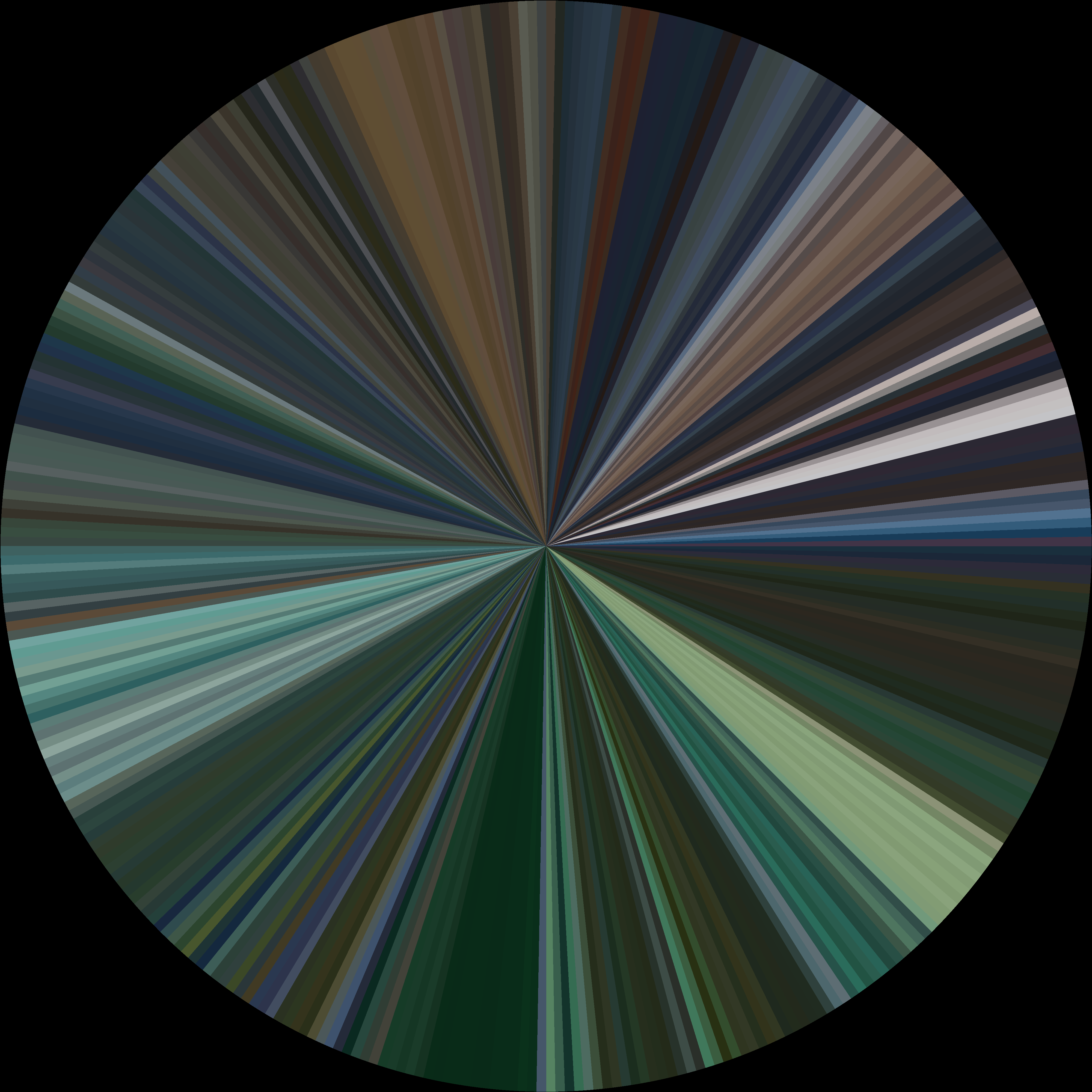
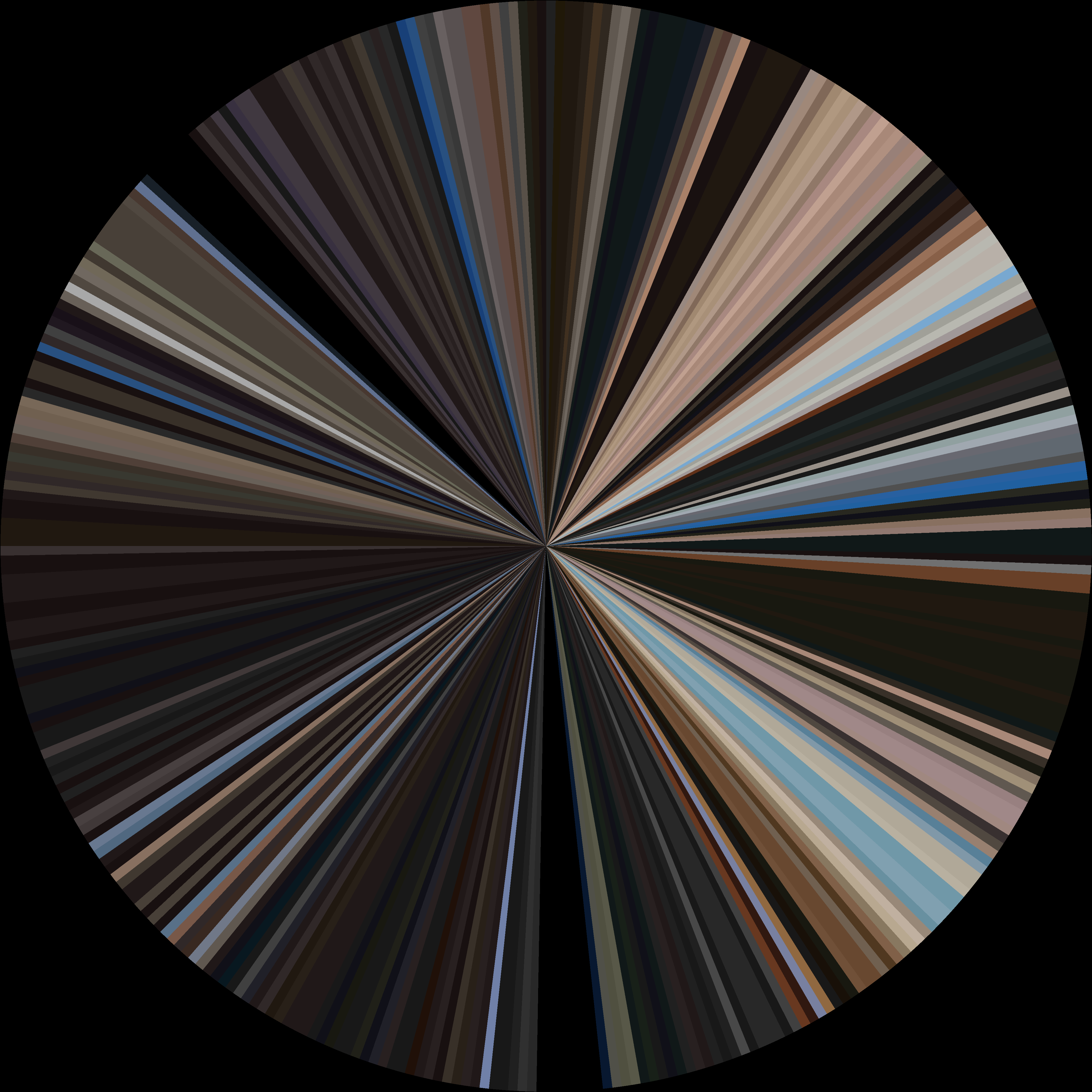
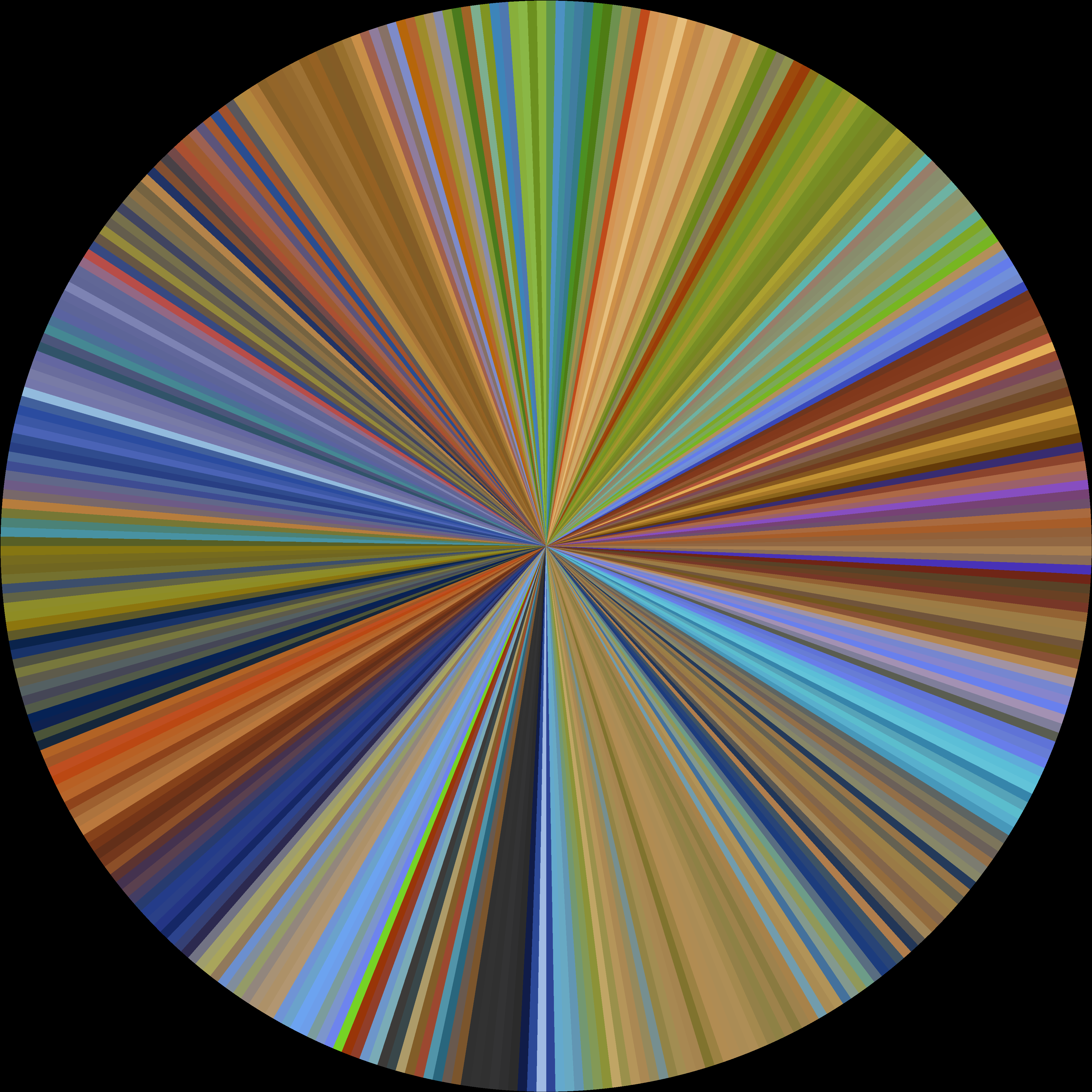
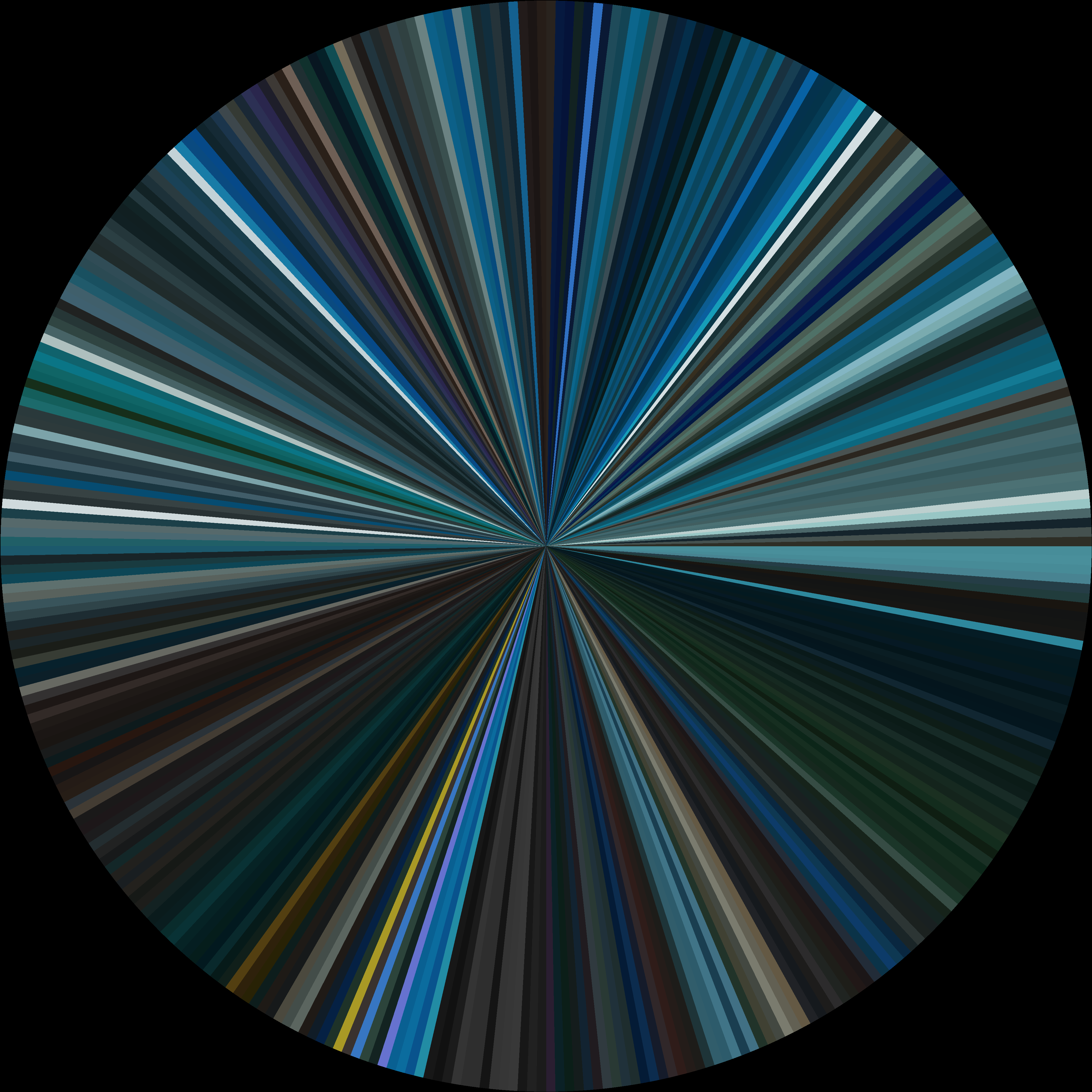
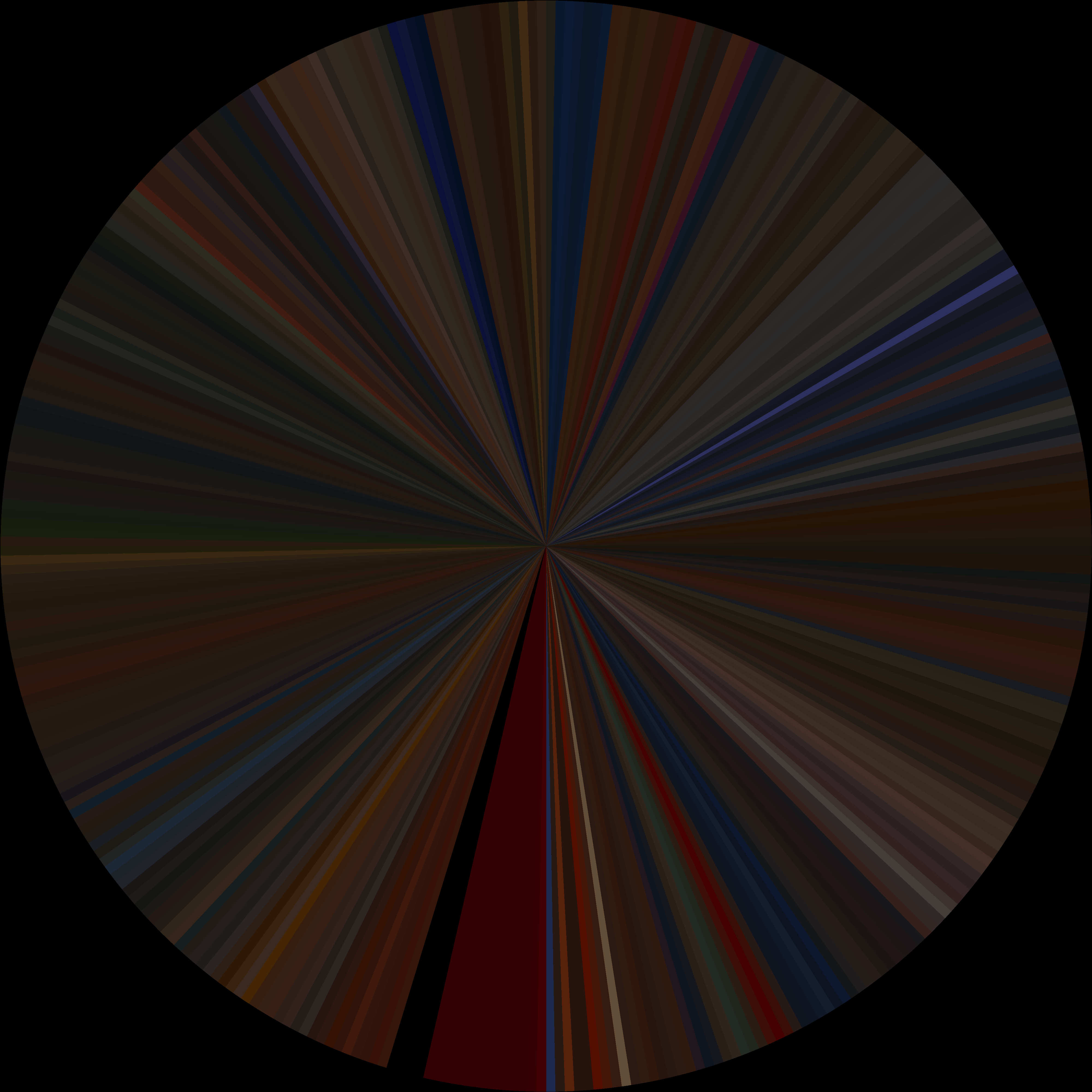
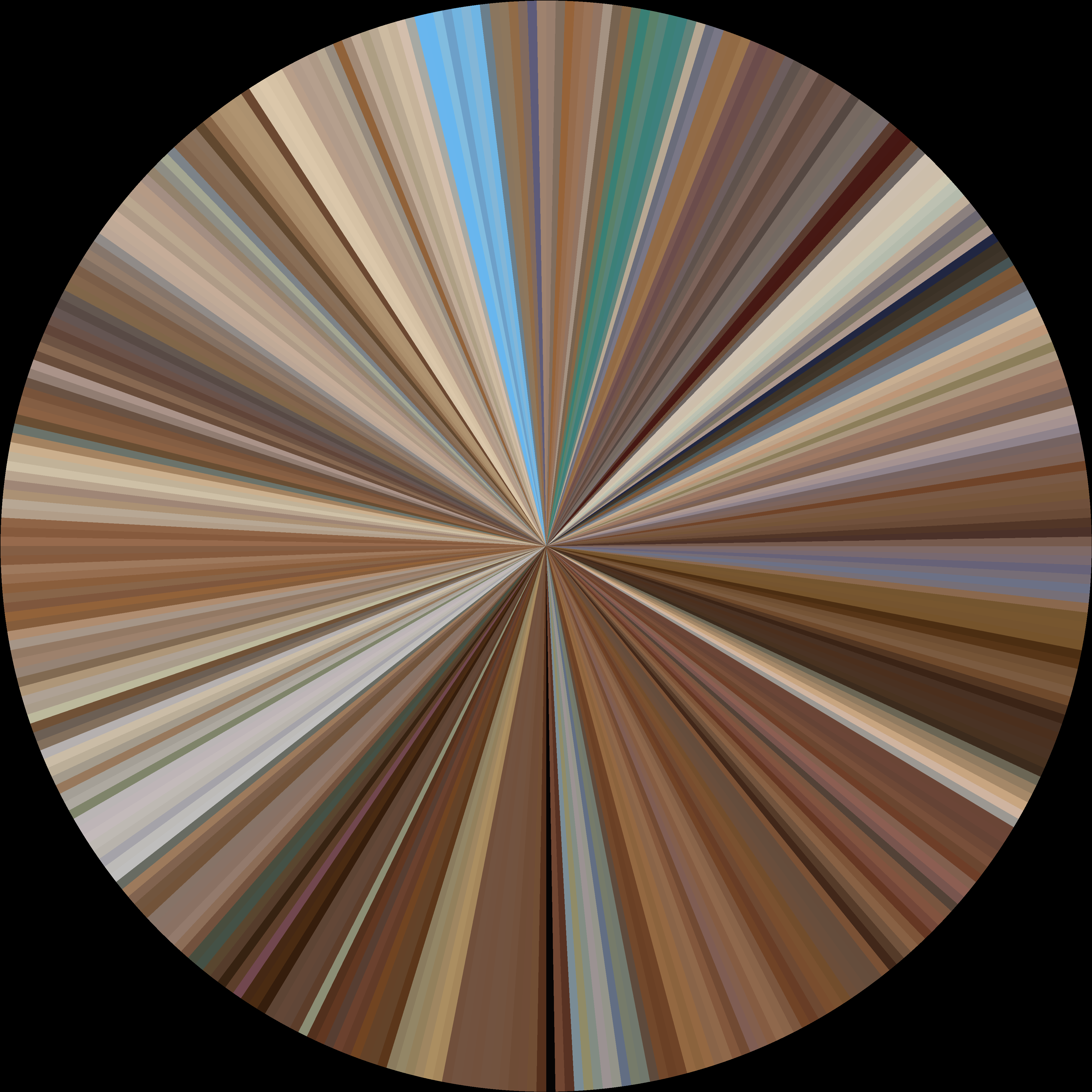
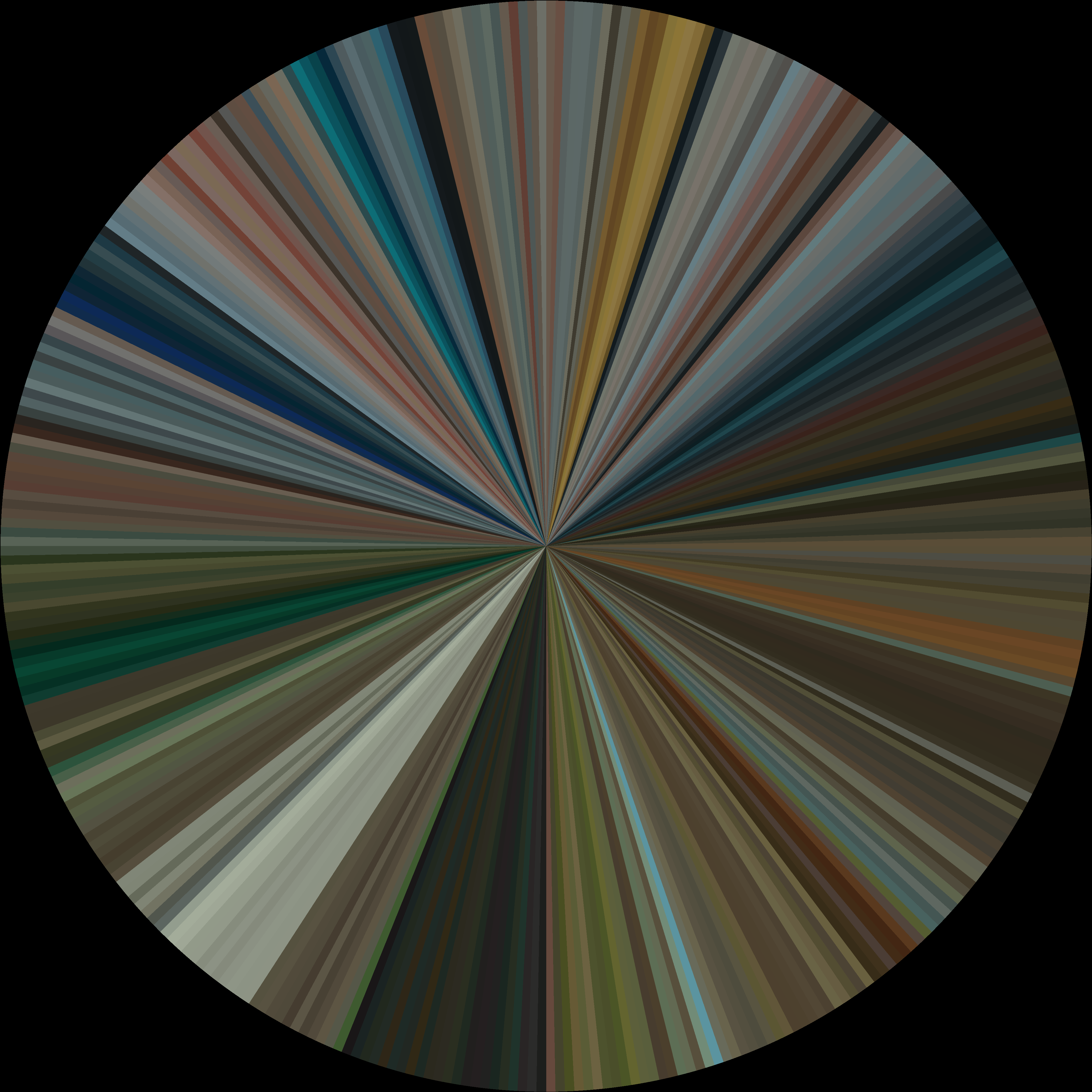
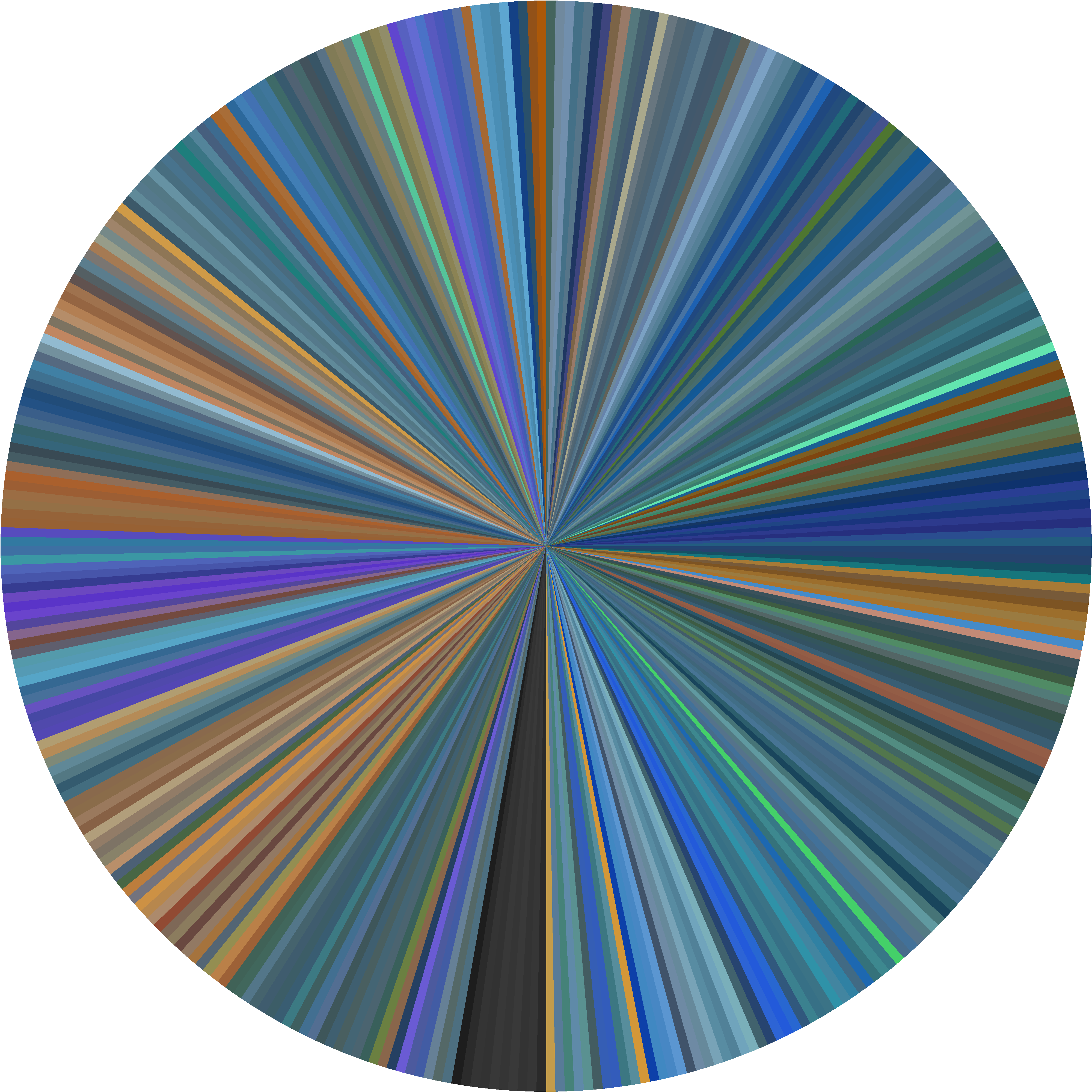
Generate stunning circular color visualizations from any film. See the entire chromatic journey of a movie in one beautiful image.

macOS 12+ or Windows 10+. Apple Silicon, Intel & x64 supported.

Powerful & Simple

Drop in a movie, pick a style, get art.

🎬

Drag & Drop

Just drag any video file into the app. Supports MP4, MKV, AVI, MOV, and more.

🎨

7 Color Profiles

From smooth averages to bold vibrant colors. Find the perfect style for any film.

Fast Processing

Optimized sequential reading. Process a full movie in minutes, not hours.

🖼️

High Resolution

Export at up to 8000×8000 pixels. Perfect for prints and wall art.

📦

Batch Processing

Queue multiple movies and process them all at once. Set it and forget it.

🎛️

CPU Control

Adjustable CPU usage. Process in the background without slowing your Mac.

7 Ways to See Color

Each profile reveals different aspects of a film's palette.

Average Improved

Smooth perceptual blend with saturation boost. Dark pixels filtered for cleaner results.

Mode Improved

Most frequent color per segment. Extremes filtered for accurate representation.

Vibrant New

Most saturated colors for bold, eye-catching results. Perfect for colorful films.

Dominant New

K-means clustered dominant color. The most accurate color representation.

Median New

Median RGB values. Resistant to outliers for balanced, stable colors.

Highlight New

Emphasizes bright pixels. Captures the glow of scenes, great for neon aesthetics.

Weighted New

Saturation-weighted average. Colorful results without extreme colors.

Get Cinespinner Pro

Transform your favorite films into art.

Free Limited time
  • All 7 color profiles
  • Up to 8K resolution
  • Batch processing
  • No subscription

Secure download. macOS 12+ or Windows 10+ required.

Avatar color palette example